Match the product to one bounded job
Folder Protect may fit a selected protected folder workflow after current-version testing. It is not an accounting application or workbook-governance system, recipient-authorization service, guaranteed backup or guaranteed password-recovery mechanism.
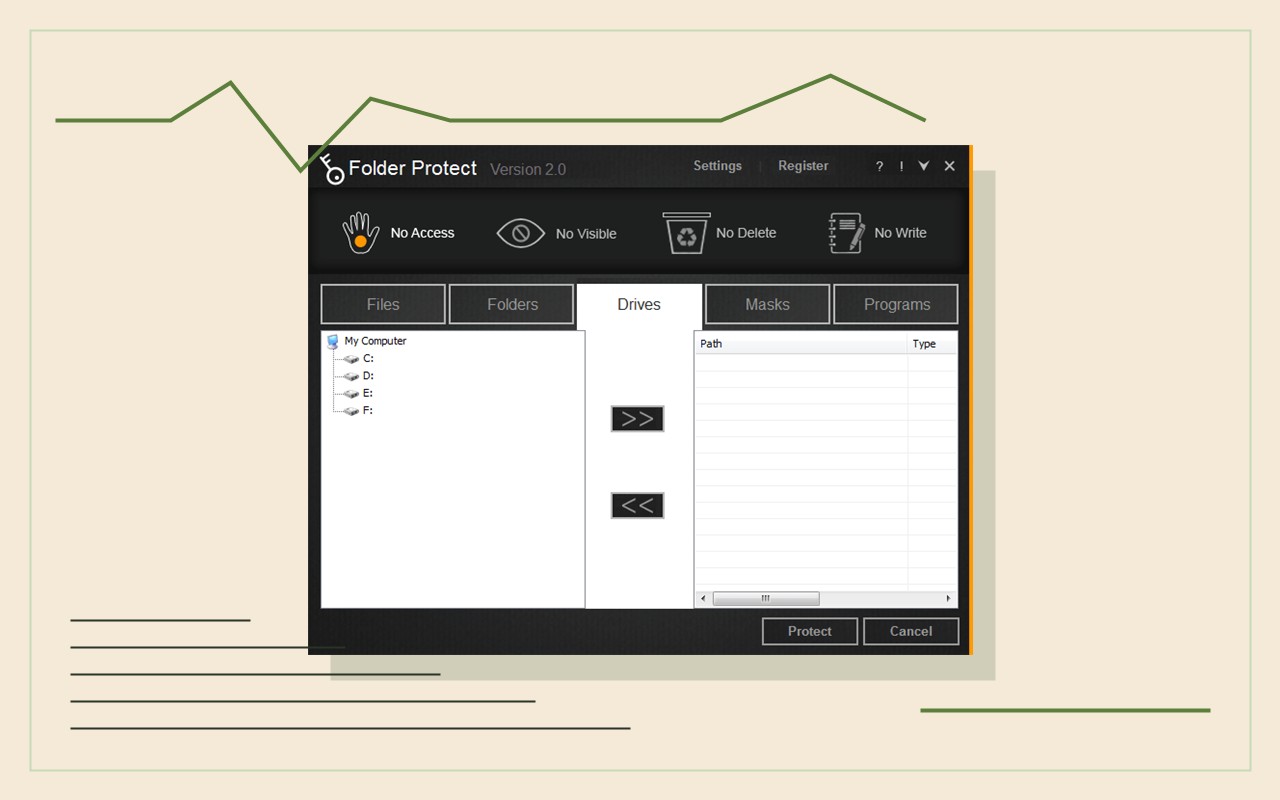
Test folder setup, no-access/no-write/no-delete modes, authorized reopening, backup and recovery before any workbook template data is involved.
Test the complete workflow
- 01Obtain the current installer, documentation, license and supported Windows requirements from official sources.
- 02Create a fictional accounting workbook master, a working copy and separate test credentials.
- 03Test folder protection, allowed actions, denied actions, authorized reopening and workbook comparison.
- 04Test spreadsheet-cell controls, shared-folder behavior, temporary copies and version-history boundaries separately.
- 05Restore a separately stored copy and document credential-loss and recovery consequences.
Inspect each step in context
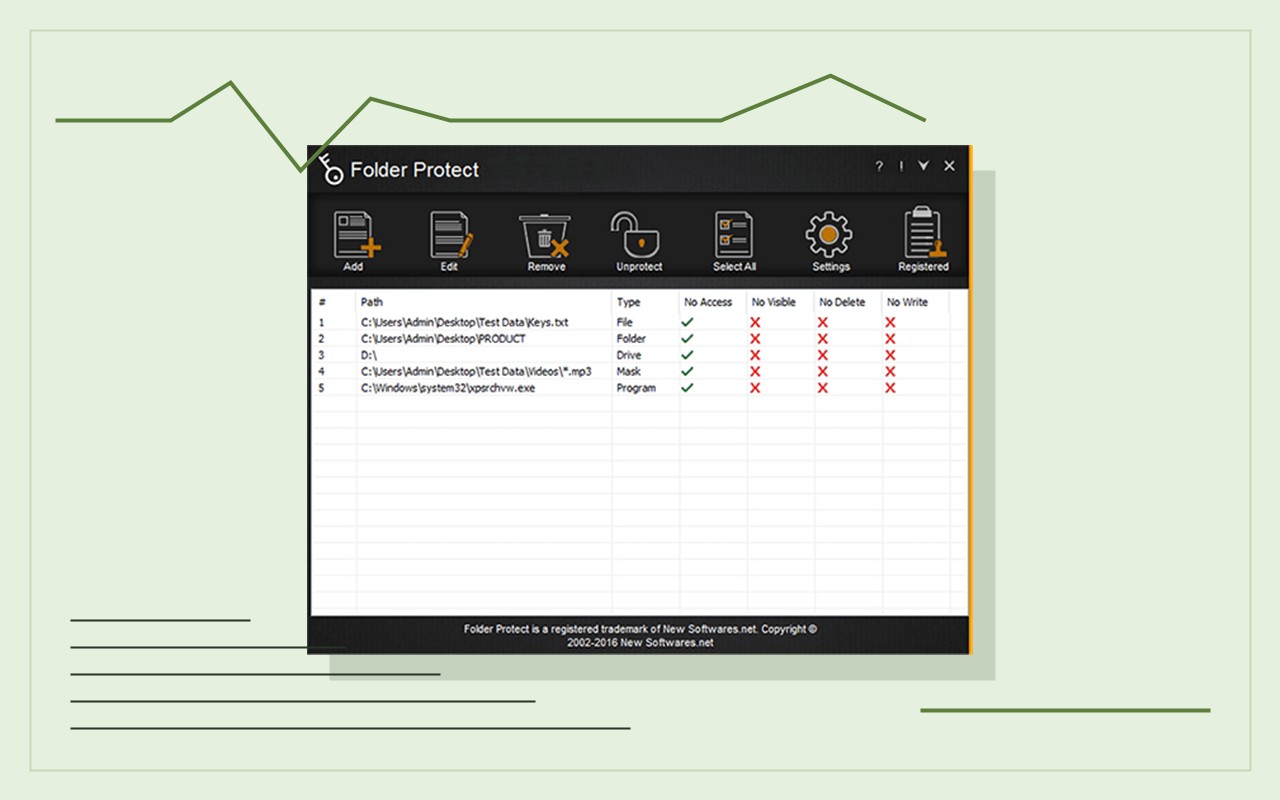
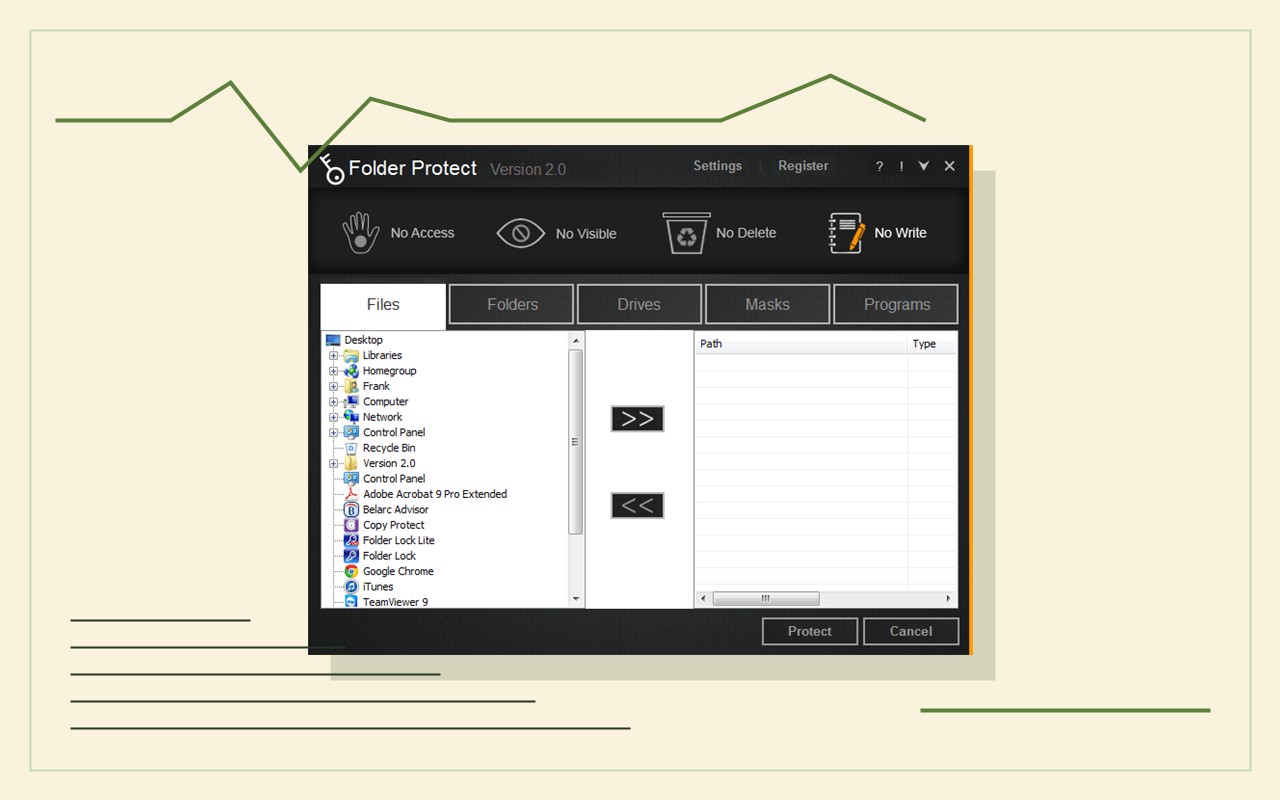
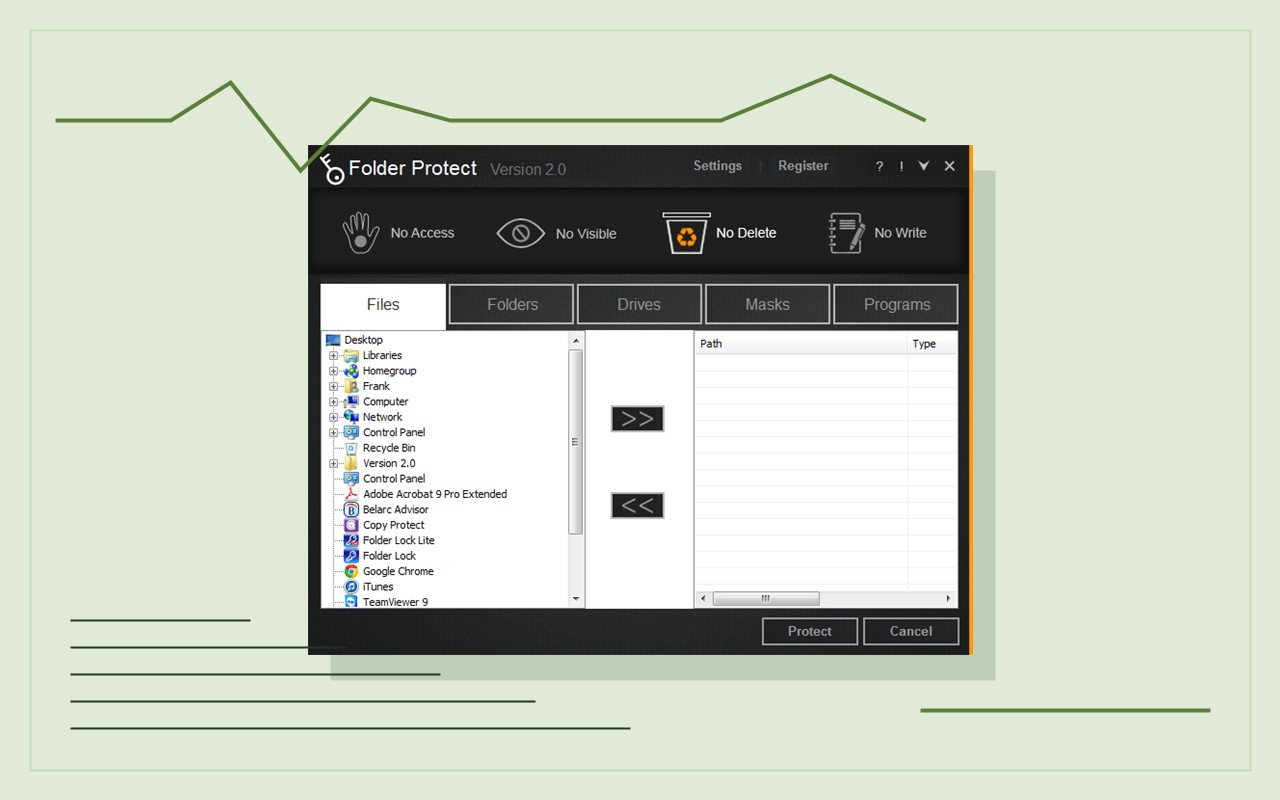
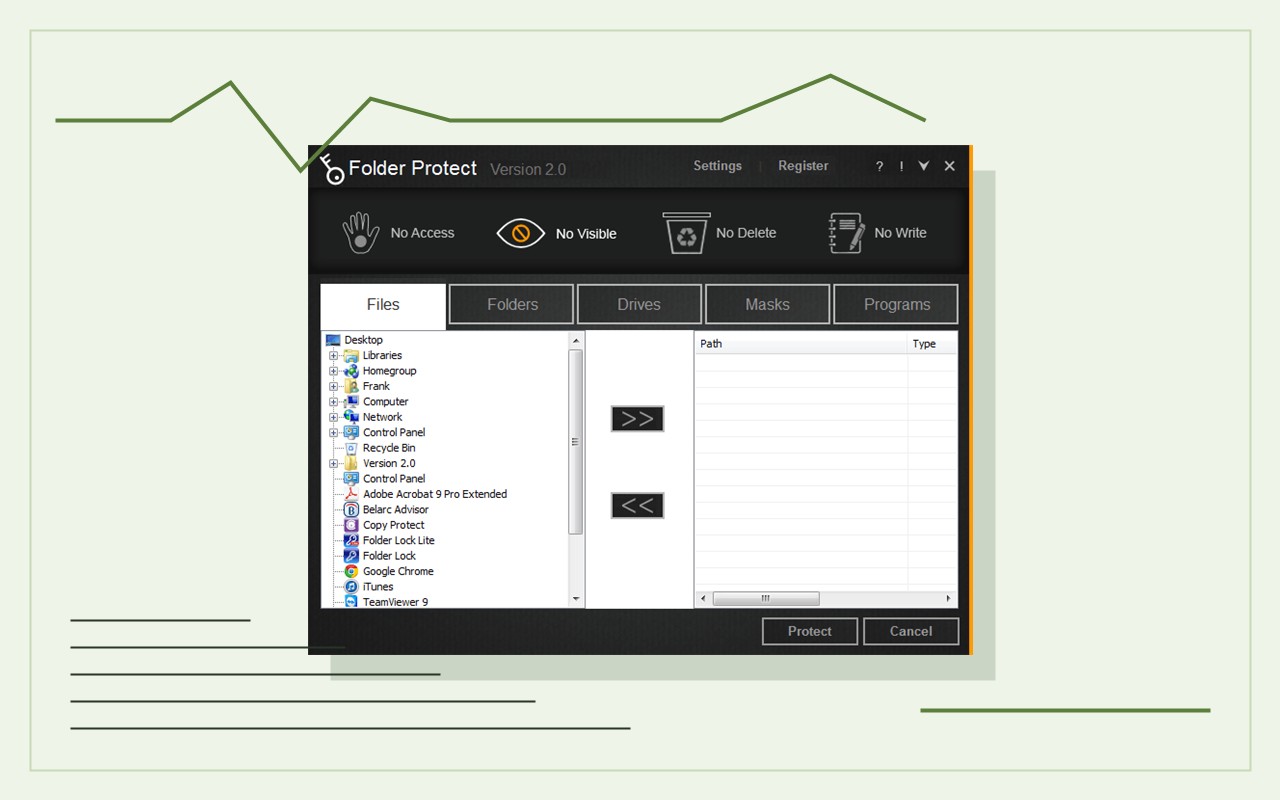
Keep workbook controls separate
The product does not establish client authorization, workbook correctness, staff permissions, cloud-workspace roles, recipient authorization, workbook-template accuracy, provider permissions, guaranteed backup, password recovery or enterprise identity management. It cannot automatically remove unprotected copies or changes made through other authorized applications. Treat the workbook template, the recipient system account, the recipient acknowledgement and the recovery material as separate record classes. Confirm who is permitted to retain each one, whether the recipient is authorized, and whether provider or engagement rules restrict local copies. A successful folder-protection test does not confirm that a recipient accepted the extract or that the correct manager released it. Keep the authorized recipient acknowledgement outside the protected workbook master so it can be consulted during an access problem. Before the workbook template review begins, document a fallback path that does not require sharing a recipient account password or opening confidential material. After the workbook template review, review temporary folders, email downloads, browser downloads and sync locations under the authority of the relevant owner. Never promise secure deletion, anonymity or guaranteed recovery on the basis of a product screen alone. Document the current tested release, operating environment and recovery result before adoption. Run the pilot with fabricated accounting workbooks, then document the bookkeeping template owner approval before introducing real client or bookkeeping data. Recheck the workflow after product updates, operating-system changes or storage migrations, because a previously successful test is not permanent evidence of compatibility. Maintain a separate verified recovery copy and a current decision record. Recheck trusted-recipient access whenever circumstances change.
Product questions
Should Folder Protect replace workbook approval and spreadsheet controls?
No. Use it only for a tested, bounded archive role within the approved workbook-control workflow.
Does resetting a credential restore an overwritten workbook?
No. Test version history and restore a separate approved backup before relying on the workflow.
Primary references
- NewSoftwares: Folder Protect features
- NewSoftwares: Folder Protect
- NIST SP 800-111: Storage Encryption
Supplied visuals may depict legacy releases. References support specific boundaries and do not imply endorsement.